← All changes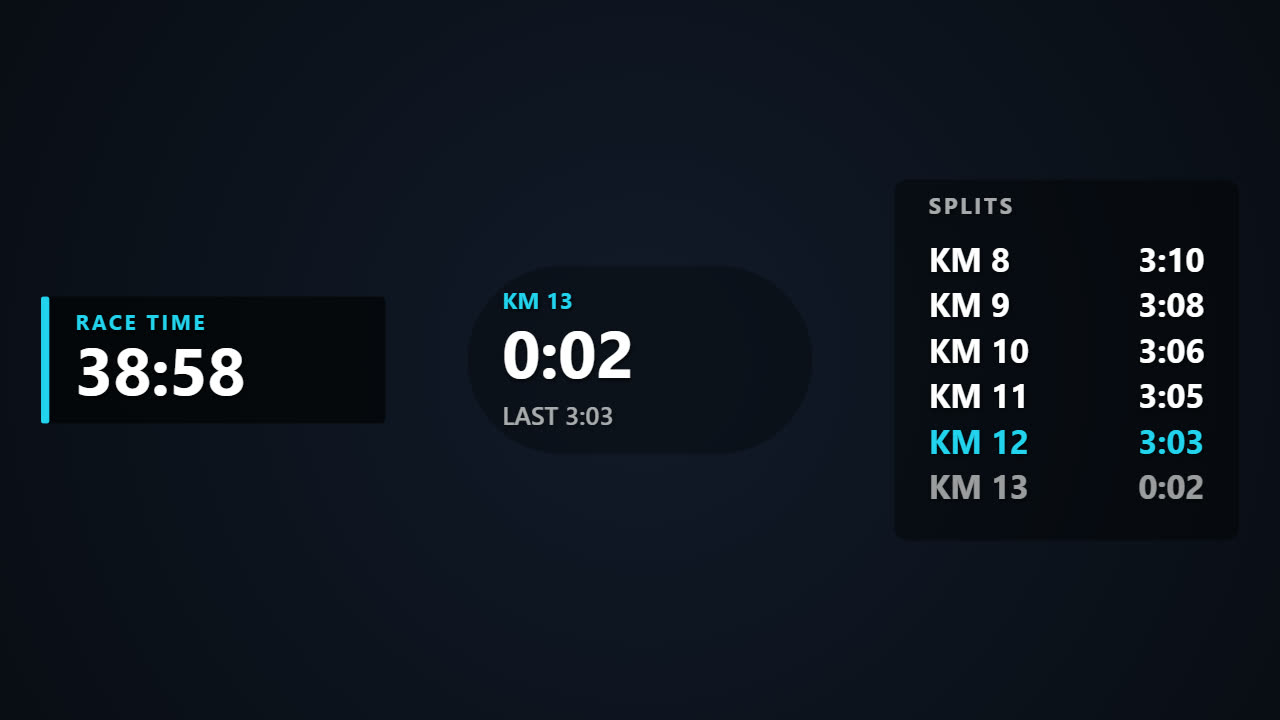
October 19, 2026
OverlayNewRace timers and km or mile splits for your overlays.
Open Gauges and pick Timer & splits to add one of four styles:
- Stopwatch and Race clock count the time since the start of your activity.
- Split shows the km in progress, its running time, and the time of the last one.
- Splits list shows your recent splits, with the fastest one in the accent colour.
To time a race rather than the whole recording, select the clock, move the playhead to the start and press the target button next to Start under Timer. Do the same at the finish line for Stop, and the clock holds its final time from there. You can also type both times.
Split gauges take a Start and Stop too: the first km begins at Start, so a warm-up before the gun stays out of your splits. Apply to all timers gives every timer and split gauge the same Start and Stop.
Splits follow your project's units: one per km, or one per mile in imperial. The Race layout puts a race clock, splits, pace and a route map on the frame in one click.